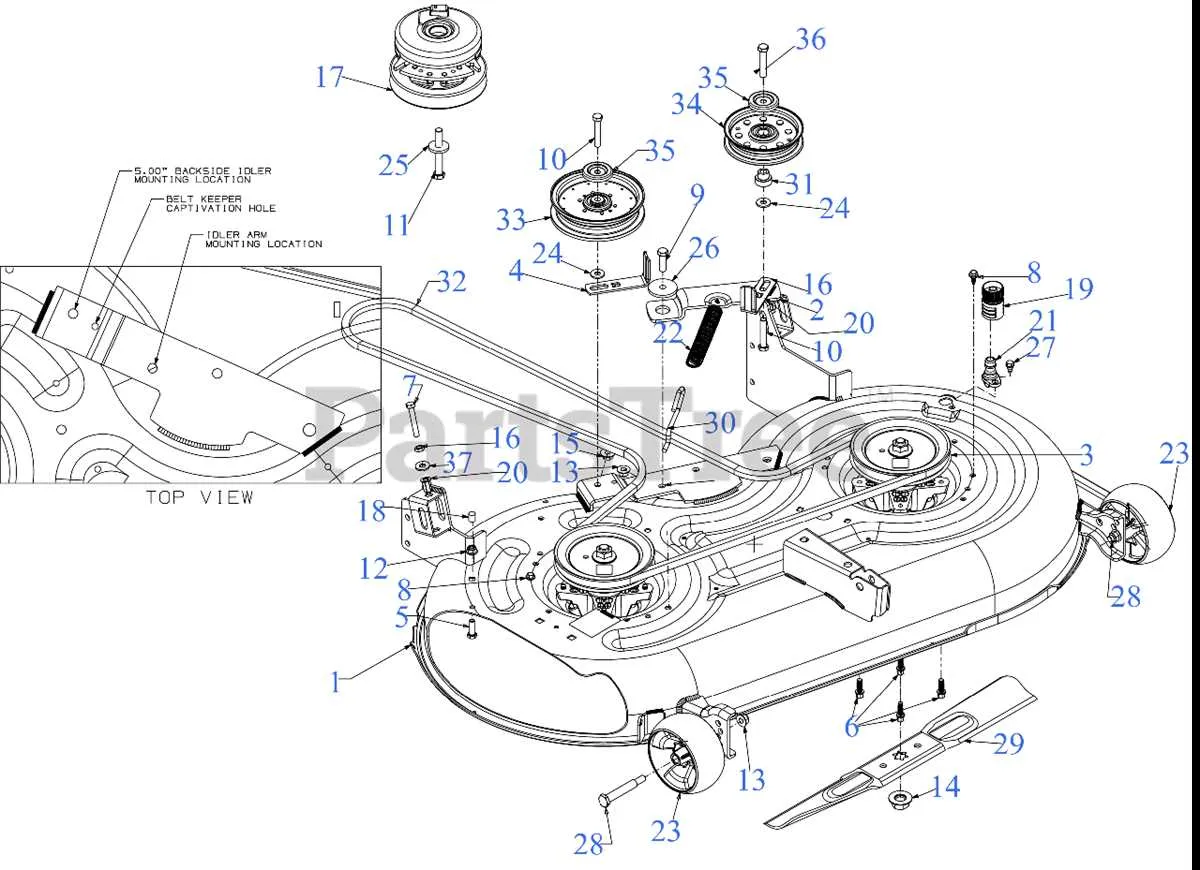
Check the drive belt routing before replacing or adjusting the belt on your Cub Cadet Ultima ZT1. Using the correct diagram ensures the mower operates smoothly and prevents premature wear on the pulleys and blades.
Follow the diagram to identify the main drive belt, PTO belt, and any tensioner locations. The drive belt loops around the engine pulley, transmission pulley, and idler pulleys in a specific sequence. Misrouting the belt can cause slipping, uneven blade rotation, or damage to the transmission system.
Pay attention to the tensioner arm and spring assembly in the diagram. Proper tension is critical: too loose, and the belt slips; too tight, and it stresses bearings and pulleys. Use a wrench or socket to adjust the tensioner according to the measurements shown in the diagram.
Keep the diagram accessible during maintenance. Compare the belt path on your mower with the diagram at each step, especially after removing any pulleys or covers. This prevents errors and helps maintain consistent cutting performance throughout the season.
Cub Cadet Ultima ZT1 Drive Belt Diagram
Follow the drive belt diagram carefully to ensure correct installation on your Cub Cadet Ultima ZT1. Position the belt around the engine pulley first, then route it through the idler pulleys to the transmission.
Key points for proper alignment:
- Verify the belt tension; it should deflect about 1/2 inch at mid-span.
- Ensure the belt sits evenly in all pulley grooves to prevent slipping.
- Check the idler pulleys for smooth rotation before mounting the belt.
Use this sequence to install the belt:
- Wrap the belt around the engine pulley.
- Route the belt under the idler pulley closest to the engine.
- Pass the belt over the tensioner pulley and through any additional idlers.
- Finally, loop the belt around the transmission pulley and adjust tension.
Maintain the belt by cleaning debris from the pulleys and inspecting for cracks or frays every 25 hours of operation. Replace the belt immediately if wear exceeds acceptable limits to avoid transmission damage.
Refer to the official Cub Cadet diagram for exact routing positions, especially around the dual idlers, as slight variations may occur between production years of the ZT1 model.
Locating the Drive Belt on Cub Cadet Ultima ZT1
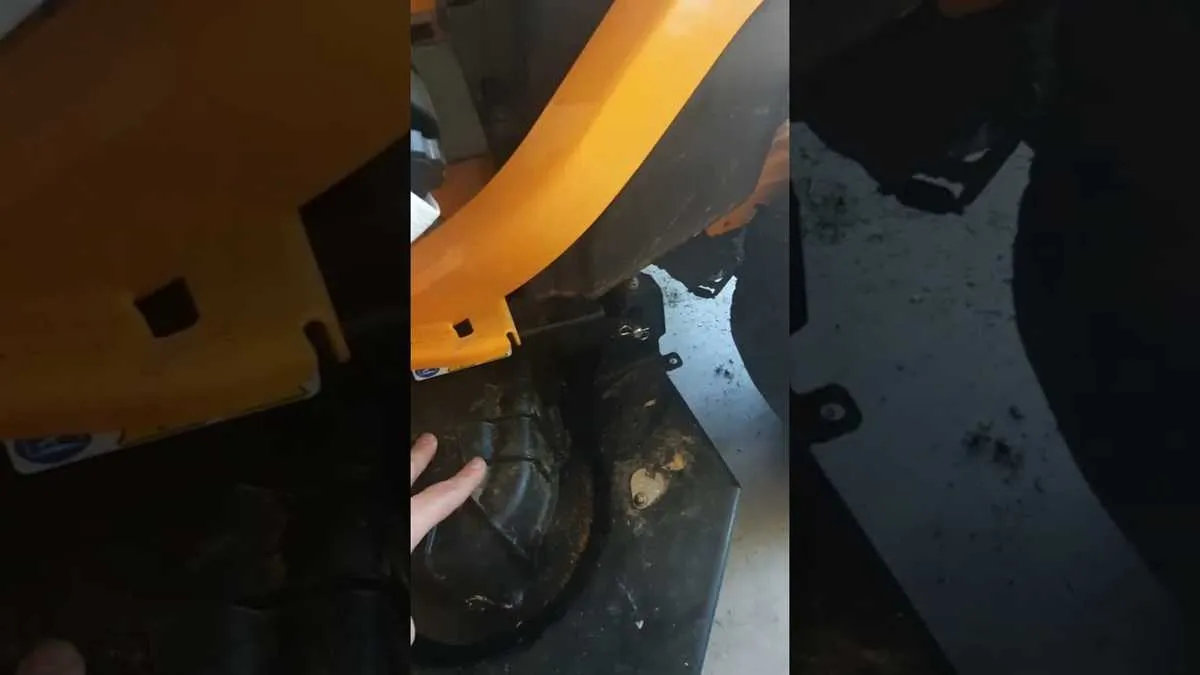
Lift the mower deck slightly using the adjustment lever to access the drive belt. The belt sits around the engine pulley at the front and loops over the idler pulleys before connecting to the transmission pulley underneath. Start from the engine side and trace the belt along the deck pulleys to see the full routing path clearly.
For easier handling, remove the mower deck completely by disconnecting the lift arms and safety pins. This exposes the pulleys fully, allowing you to inspect wear or alignment without obstruction. Ensure the engine is off and the ignition key is removed to avoid accidental startup.
Follow the belt along the tensioner pulley, which maintains proper tension automatically. Observe the direction of the belt grooves matching the pulleys to prevent misalignment. If replacing the belt, mark the routing path with chalk or take a quick photo for reference.
Check the back side of the mower for the transmission pulley. The belt wraps around it before returning to the engine, forming a continuous loop. Confirm all pulleys rotate freely and the belt sits snugly in their grooves before reattaching the deck.
Step-by-Step Guide to Reading the Drive Belt Diagram
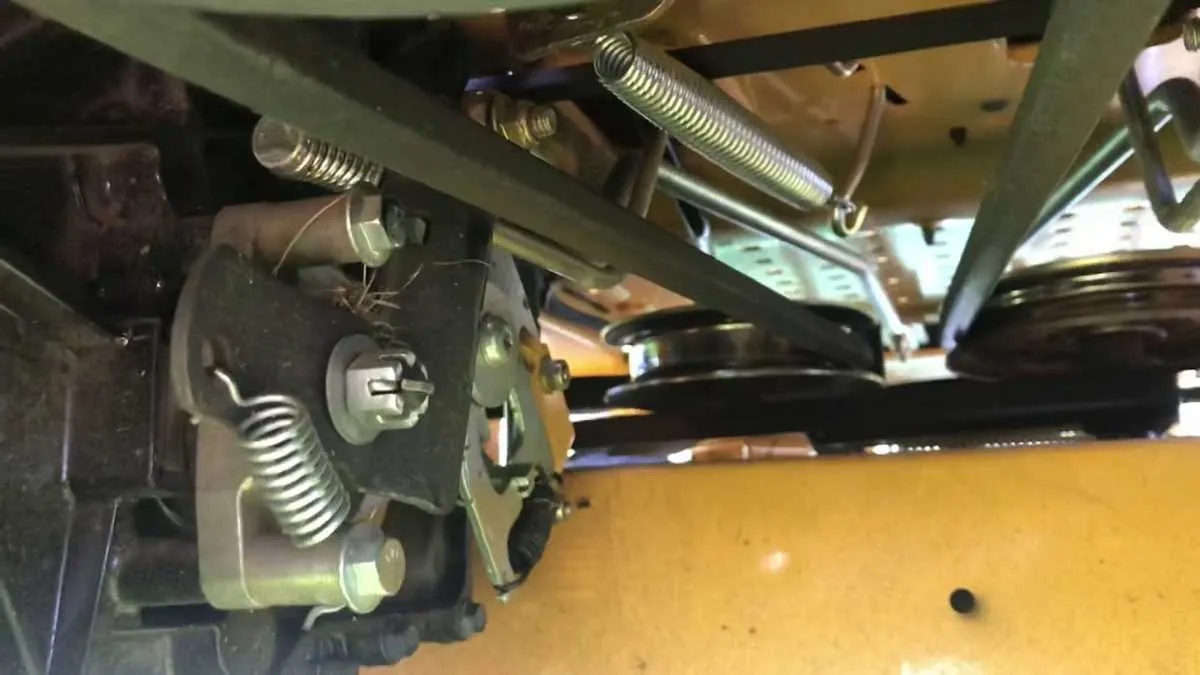
Locate the engine and deck pulleys on the diagram. Identify each pulley by its label, such as the crankshaft, idler, and spindle pulleys. Check the arrows that indicate the direction of belt travel for accurate routing.
Follow the solid lines representing the main drive belt path. Trace the belt from the engine pulley through the idlers and tensioners to the mower deck. Note any crossing points or twists required for proper tension.
Examine the tensioner positions. The diagram shows which idler or spring assemblies must apply pressure to keep the belt tight. Adjusting these points while referencing the diagram ensures smooth operation and prevents slipping.
Identify belt routing numbers or color codes if provided. Some diagrams include multiple belt paths for attachments. Match the belt size and route with the diagram corresponding to your specific configuration.
Confirm pulley alignment by comparing the diagram to the actual mower layout. Ensure each belt wraps around the correct groove and pulley type. Misalignment can cause premature wear or noise.
Double-check the diagram for optional routes or accessory belts. These include PTO, deck lift, or traction systems. Installing these belts according to the diagram maintains consistent performance across all functions.
Replacing or Adjusting the Drive Belt Using the Diagram
Locate the drive belt routing diagram on your Cub Cadet Ultima ZT1 before starting any work. Follow the exact path illustrated, ensuring the belt aligns with the engine pulley, transmission pulley, and mower deck pulleys. Use a wrench to release tension on the idler pulley, then carefully remove the old belt.
Install the new belt by positioning it around each pulley according to the diagram. Keep the belt flat against the pulley surfaces to prevent slipping. Once positioned, reapply tension by moving the idler pulley back into place, confirming the belt maintains proper tension without excessive slack.
Rotate the pulleys by hand after installation to verify the belt tracks smoothly along the designated path. Check that it does not rub against any frame components or hang loosely. Make minor adjustments by shifting the belt slightly on the pulleys or adjusting the idler tension if necessary.
Test the mower at low speed after assembly to ensure the belt engages correctly with all pulleys. Reinspect the belt after initial use for correct alignment and tension, adjusting the idler pulley if signs of slippage appear.