If you need to replace or adjust the deck belt on your John Deere GT235, it’s crucial to follow the correct path for the belt to ensure proper function. Start by identifying the correct belt size and type for your model. The deck belt is responsible for transferring power from the engine to the mower blades, and any misalignment can lead to inefficient cutting or excessive wear.
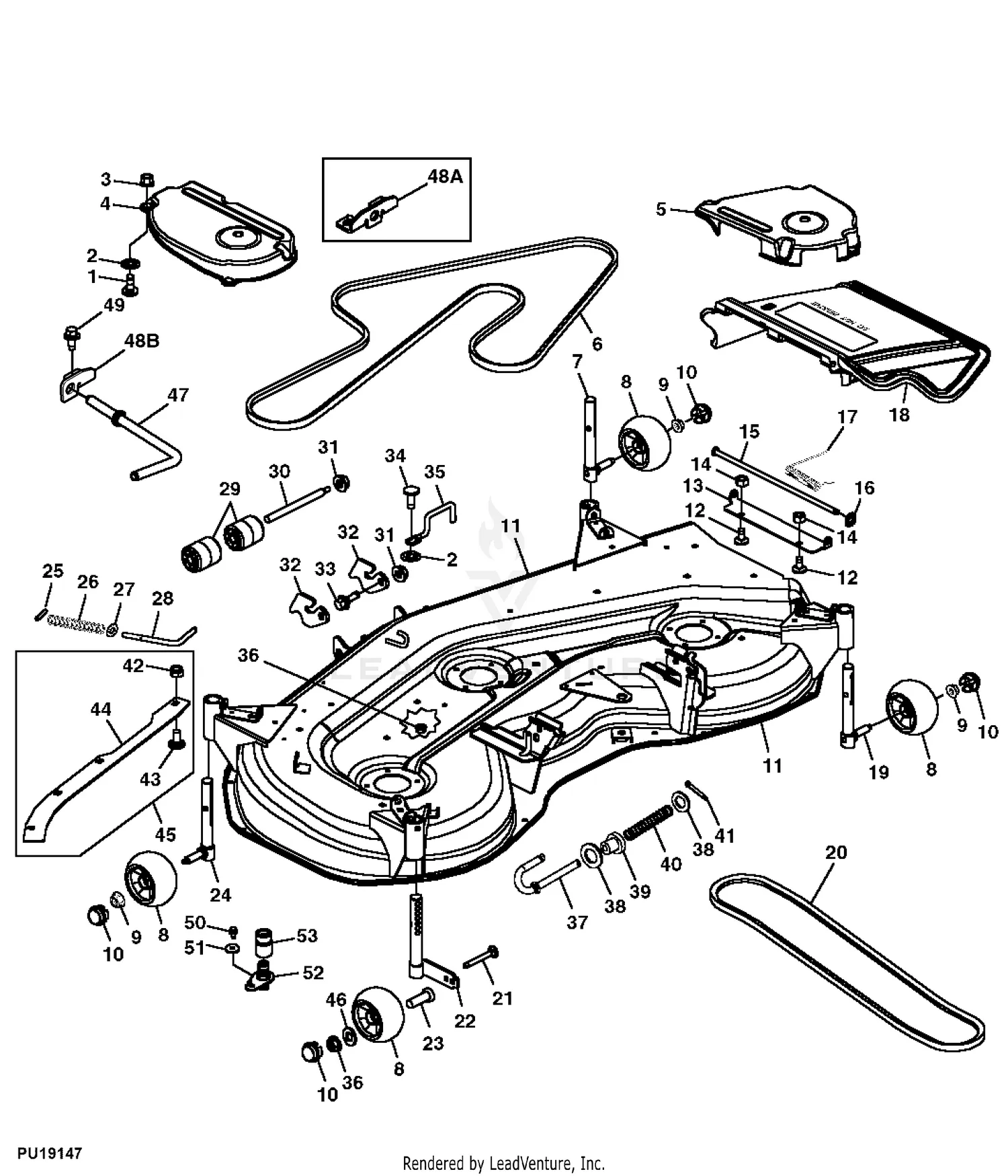
Refer to the diagram specific to the John Deere GT235 to visualize the routing of the deck belt. The belt typically runs around pulleys located on the deck, with tensioners in place to maintain proper tension. Pay attention to the placement of each pulley and ensure the belt sits correctly in the grooves to avoid slippage.
When replacing the deck belt, it’s a good idea to check the condition of the pulleys and idler arms. Over time, these parts can wear out, causing unnecessary friction or damage to the new belt. Inspect each component for any signs of rust or debris that might interfere with smooth operation.
Lastly, after replacing the belt, manually rotate the blades to check for smooth movement. Adjust the belt tension as needed to ensure it is neither too tight nor too loose. This simple check can prevent future maintenance issues and keep your GT235 running smoothly for longer.
John Deere GT235 Deck Belt Diagram
To replace or adjust the deck belt on your John Deere GT235, follow these steps for accurate installation and smooth operation.
- Ensure the tractor is parked on a flat surface and the engine is off. Disconnect the battery to avoid accidental starts.
- Lift the mower deck to access the belt and pulleys.
- Refer to the deck belt diagram located on the underside of the deck or in the operator’s manual for a clear guide.
- Begin by removing the old belt. Carefully note the positioning and routing of the belt through the pulleys before taking it out.
The deck belt on the GT235 runs through several pulleys, including the tensioner pulley. Pay attention to the routing order to avoid any errors that could lead to improper belt operation.
- Start at the engine pulley, routing the belt around the idler pulleys and tensioner.
- Pass the belt over the blade spindles, ensuring the belt is tightly aligned with each pulley groove.
- Once installed, ensure that the belt is properly tensioned and not slack. This will prevent excessive wear and ensure the mower operates efficiently.
After the belt is in place, double-check the routing and tension before reconnecting the battery and testing the mower deck.
Regularly inspect the belt for wear and tear. If you notice any signs of damage, replace it promptly to maintain optimal performance.
How to Identify the Correct Deck Belt for Your John Deere GT235
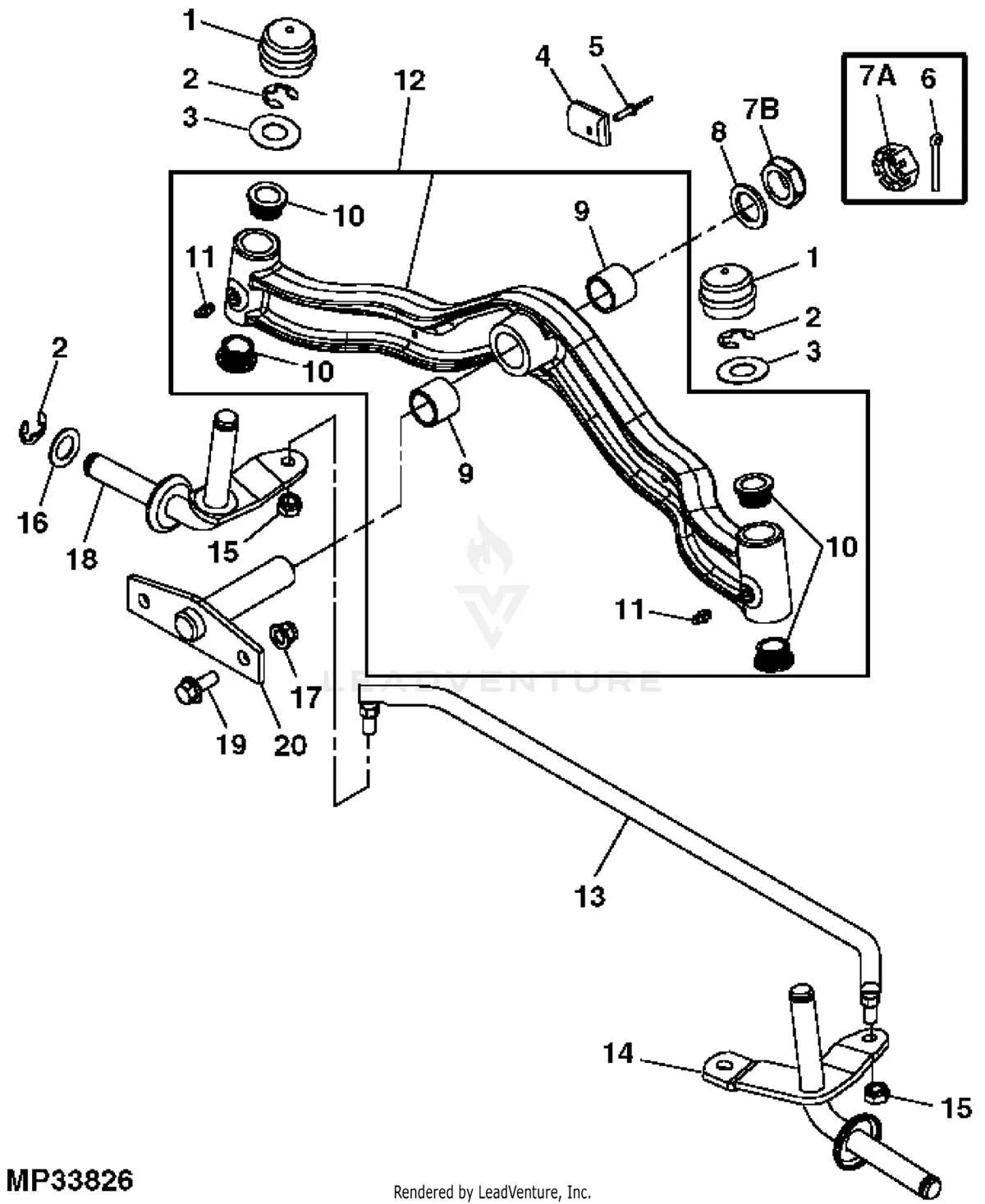
Check the model number of your John Deere GT235 for the exact belt specifications. The part number is typically found on a label near the engine or deck. This is the most reliable source for the correct belt size.
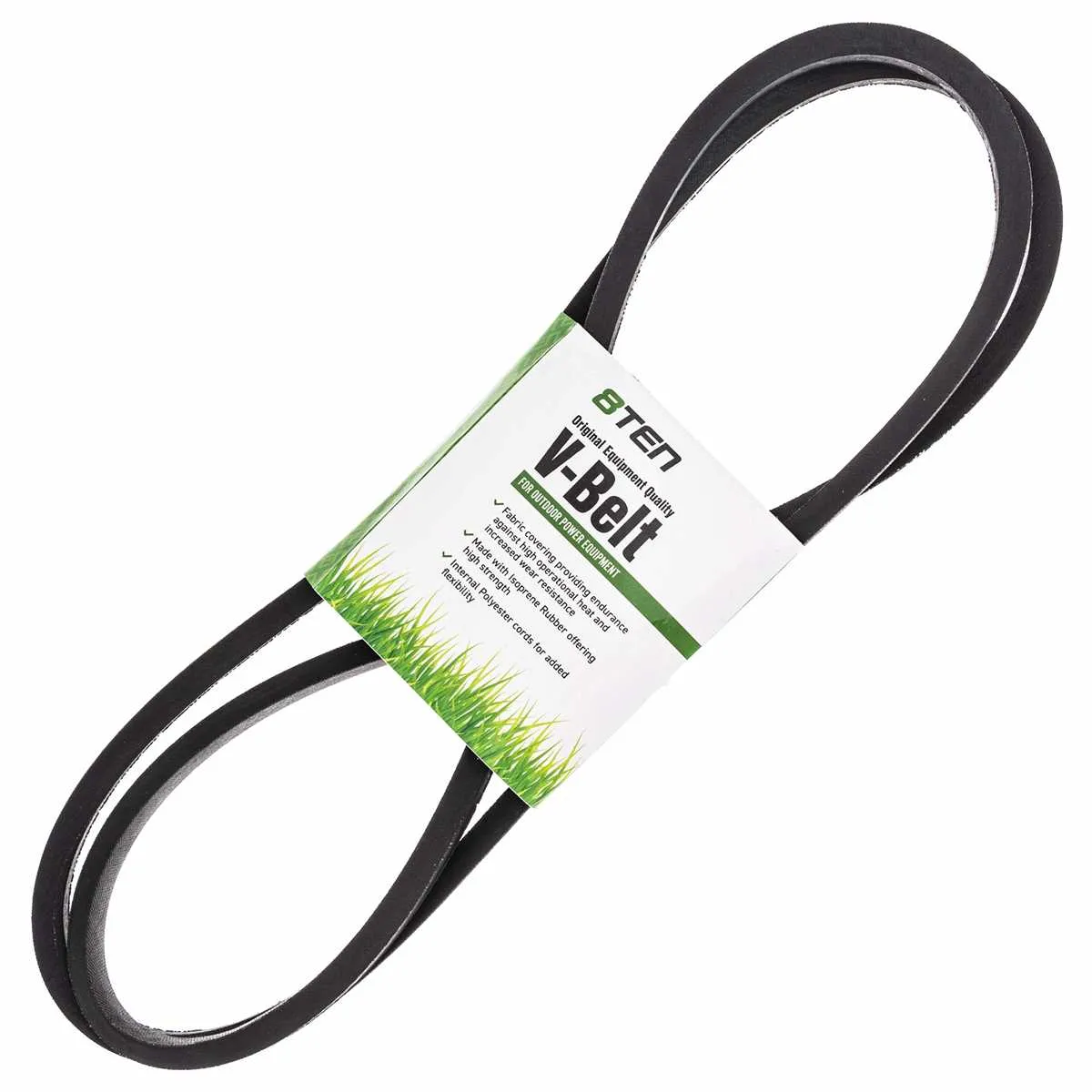
Measure the old deck belt’s length and width if you’re replacing an old one. Use a tape measure to get an accurate reading, comparing it to the manufacturer’s recommended measurements.
Inspect the belt’s design. John Deere decks often use a specific belt construction that includes reinforcement layers. Make sure the replacement belt matches the original design to prevent slipping or premature wear.
If you’re unsure, check the John Deere manual for a detailed deck belt diagram. The diagram shows the path and routing of the belt, helping ensure that the replacement belt is installed correctly.
Additionally, be mindful of the belt’s quality. Opt for original parts from John Deere or high-quality aftermarket options. Low-grade belts can cause issues like misalignment, decreased performance, or faster wear.
Step-by-Step Guide to Installing the Deck Belt on the GT235
To replace the deck belt on your John Deere GT235, follow these steps for a smooth and successful installation.
1. Lift the mower deck off the ground using the appropriate lift system or jack. Secure it to prevent it from shifting during the process.
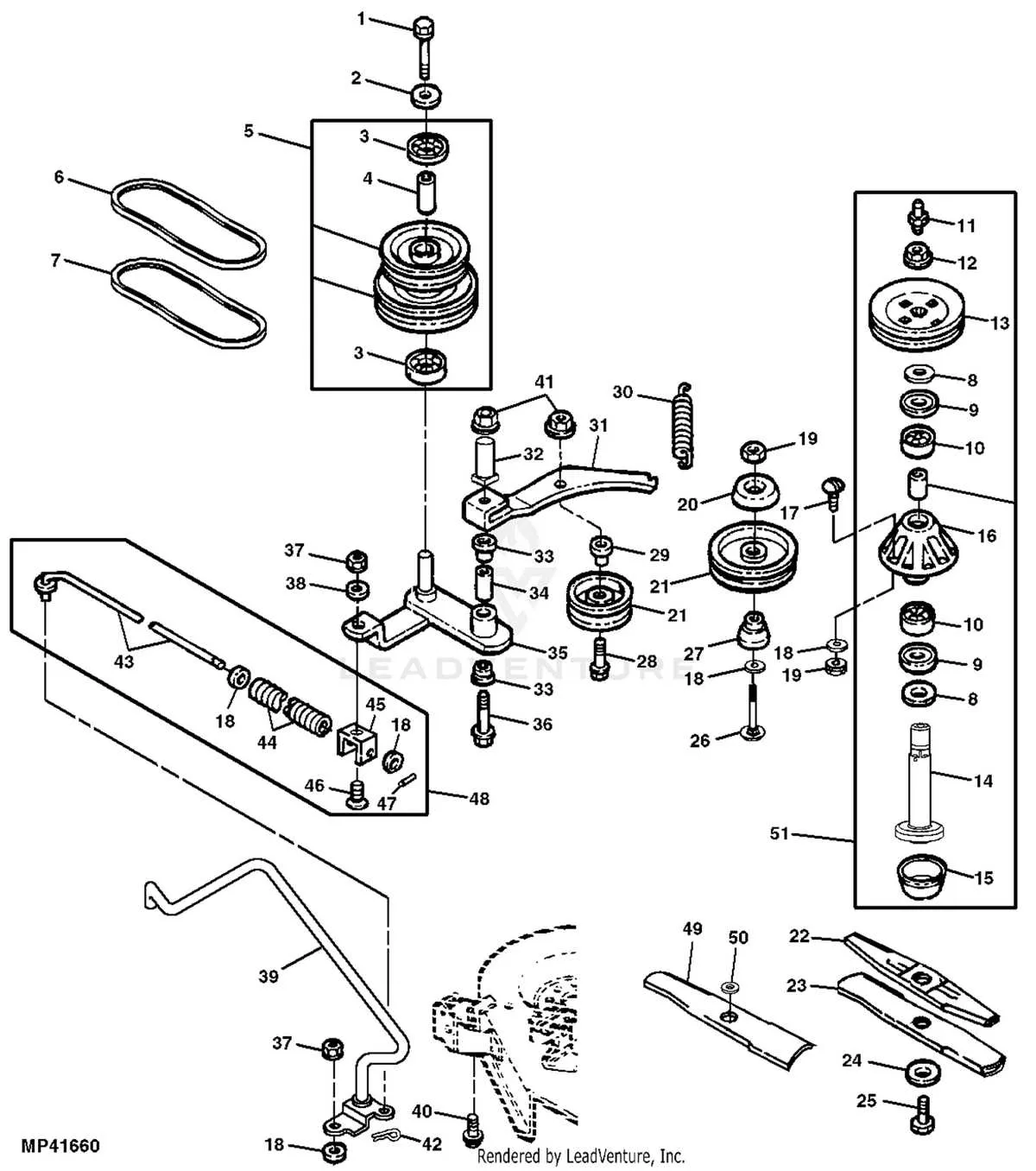
2. Remove the old belt by first loosening the tension on the deck. This may involve disengaging the belt from the idler pulleys or removing the tension spring that holds it in place.
3. Take note of how the old belt is routed around the pulleys. It’s helpful to take a photo or sketch a diagram of the path, as this will guide you when installing the new belt.
4. Install the new belt, starting from the drive pulley. Ensure it runs through all the pulleys as shown in your diagram or photo, making sure it is seated properly in each groove.
5. Once the belt is in place, check the tension. The belt should not be too tight or too loose. Adjust the idler pulley to ensure the correct tension is applied.
6. Reattach any parts you had to remove, such as the tension spring or guards. Double-check that all fasteners are secure.
7. Lower the mower deck back into position and test the belt by running the mower for a short time. Listen for any unusual sounds and check for proper function.
If everything operates smoothly, your deck belt replacement is complete and ready for use.
Troubleshooting Common Belt Issues on John Deere GT235 Deck
If your John Deere GT235 deck is experiencing belt issues, check the following common causes and solutions:
1. Belt Slipping
Belt slippage often happens when the belt is too loose. Check for tension by inspecting the spring-loaded idler pulley. If the belt feels loose, adjust the tension by tightening the spring or replacing it if worn. Also, ensure the belt isn’t worn down or damaged, as this can prevent it from gripping the pulleys properly.
2. Belt Breakage
A broken belt is typically caused by excessive wear or debris. Inspect the entire belt for fraying, cracks, or cuts. Clean the deck of grass, sticks, and other debris, as these can lead to unnecessary strain on the belt. If the belt appears compromised, replace it with a genuine John Deere replacement part.
3. Misalignment
Misalignment between pulleys can cause the belt to wear unevenly or even snap. Check that all pulleys are securely mounted and free from obstruction. Use a straight edge to ensure that the pulleys are aligned correctly. If any pulley is misaligned, adjust or replace it as necessary.
4. Excessive Tension
Over-tensioning the belt can cause premature wear and tear. Make sure the belt is tightened according to the manufacturer’s specifications. Use a tension gauge to verify the correct tension, ensuring it’s neither too tight nor too loose.
5. Worn Pulleys
Worn or damaged pulleys can cause the belt to slip or break. Inspect each pulley for grooves, cracks, or excessive wear. If a pulley is damaged, it may need to be replaced to prevent further belt issues.
6. Incorrect Belt Installation
Incorrect installation of the belt can lead to immediate problems. Double-check the belt routing diagram to ensure the belt is correctly installed. Refer to the John Deere GT235 belt diagram for precise guidance on how to route the belt around the pulleys.
| Issue | Solution |
|---|---|
| Belt Slipping | Adjust or replace the idler spring, and ensure belt isn’t worn. |
| Belt Breakage | Inspect for wear, clean debris, and replace the belt if damaged. |
| Misalignment | Align pulleys with a straight edge and replace any misaligned parts. |
| Excessive Tension | Check and adjust the tension to manufacturer specifications. |
| Worn Pulleys | Replace worn or damaged pulleys to prevent further issues. |
| Incorrect Installation | Follow the belt routing diagram for proper installation. |